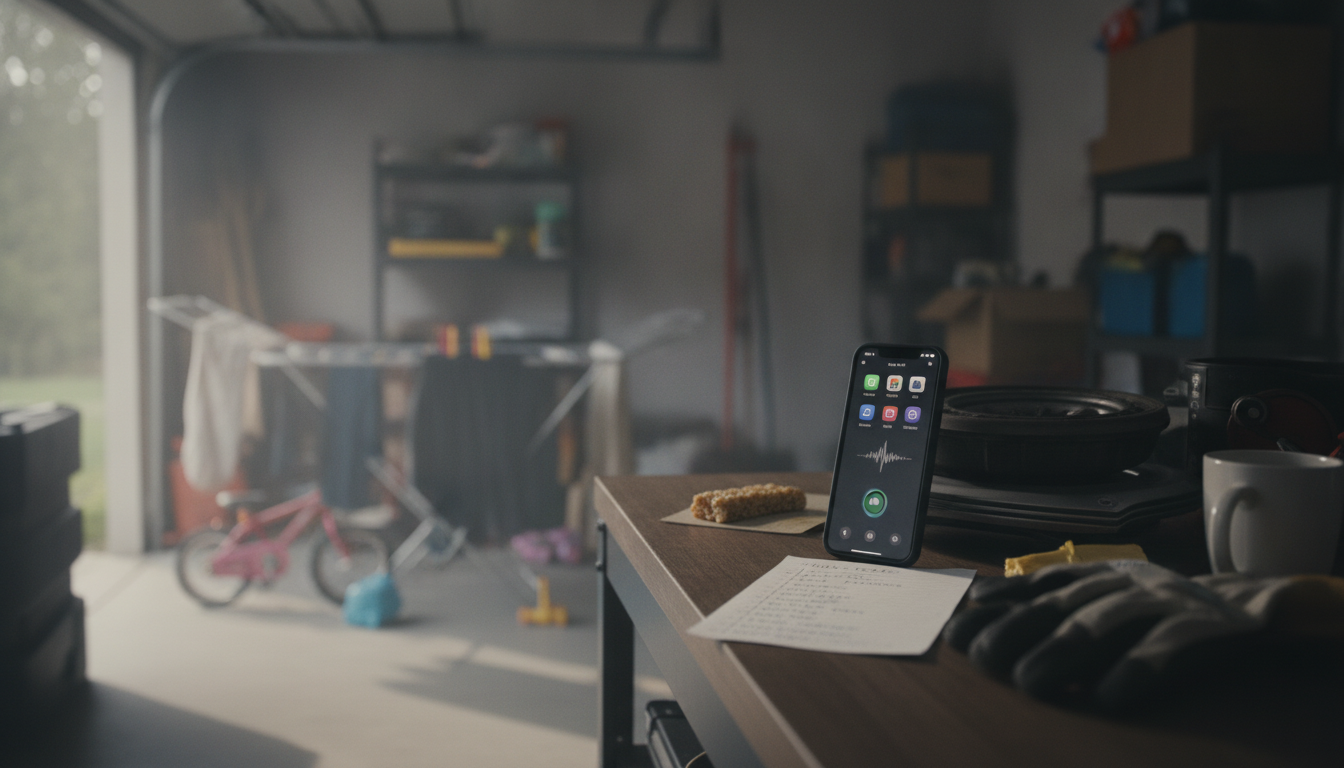
AI boosts daily productivity when it’s treated like a reliable assistant: it handles repetitive work, helps you plan faster, and turns rough ideas into usable drafts. The most effective approach is to pick a few high-impact routines—email, scheduling, note-taking, and content creation—then apply AI consistently so the time savings compound.
Paste your calendar, top priorities, and any constraints (meetings, deadlines, errands) into an AI tool and ask for a realistic schedule with time blocks. Request a “must-do” list (3–5 items) plus a “nice-to-do” list, and include buffer time to prevent overbooking. If you tend to context-switch, ask the AI to group similar tasks (calls, writing, admin) into focused sprints.
Use AI to summarize long emails, extract action items, and draft quick replies in your tone. For recurring tasks—weekly status updates, meeting follow-ups, invoice reminders—create reusable templates that the AI can fill in from bullet points. Pair this with simple automation (like routing support emails into labeled folders) so you spend less time sorting and more time deciding.
After meetings, drop raw notes into an AI assistant and ask for: key decisions, open questions, next steps with owners, and a short recap you can paste into chat or email. This reduces the “lost hours” that happen when notes sit unfinished and tasks never get captured.
AI is especially helpful for first drafts: outlines, alternative headlines, product descriptions, social captions, and rewrite options for clarity. Provide context (audience, goal, length, examples you like), then iterate: ask for a tighter version, a more conversational version, and a version that highlights benefits first.
For more practical ways to automate, plan, and create faster, visit this guide to using AI for daily productivity.
Start with high-frequency, low-creativity work: email triage and replies, meeting summaries, scheduling drafts, and routine status updates. These tasks are repetitive, easy to standardize, and deliver immediate time savings.






Leave a comment