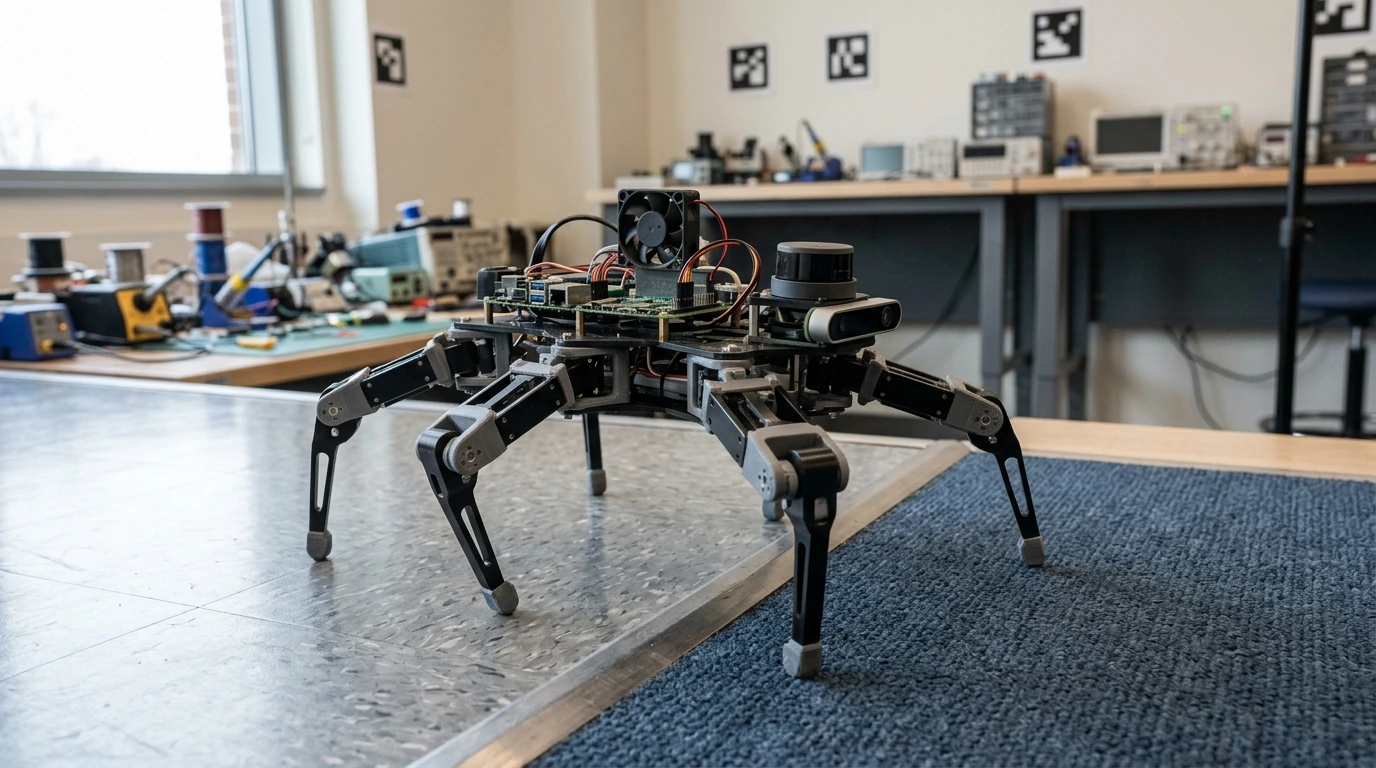
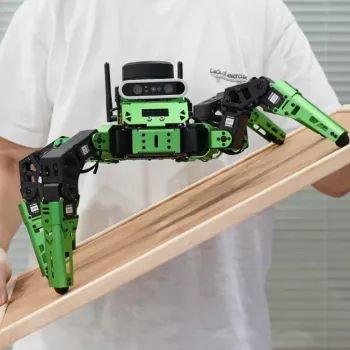
JetHexa is a six-legged ROS robot kit built for practical autonomy experiments—walking over uneven surfaces while running mapping, localization, and navigation workloads on a Jetson Nano. It’s a strong fit for robotics learning, rapid prototyping, and lab demos where real-time perception and stable locomotion matter, especially when floors aren’t perfectly smooth or obstacles make wheeled motion less reliable.
A legged robot shines when traction is inconsistent, edges and cables interrupt rolling motion, or you want to explore autonomy beyond wheel odometry. JetHexa focuses on usable mobility plus a familiar robotics software foundation, so you can spend more time testing behaviors and less time reinventing plumbing.
To see the kit details and current availability, visit the JetHexa ROS Hexapod Robot Kit product page.
SLAM (Simultaneous Localization and Mapping) estimates the robot’s pose while building a map. Once you have a usable map, navigation typically switches into a localization mode that tracks pose against the saved map, then plans and executes paths to goals.
| Block | Purpose | What to check during setup |
|---|---|---|
| TF frames | Relate sensors and robot base in a shared coordinate system | Correct parent/child frames; consistent base_link and sensor frames |
| Sensor drivers | Publish camera/LiDAR/IMU topics used by SLAM and navigation | Topic rates, timestamp correctness, and message types |
| SLAM node | Generate map and pose estimates | Map quality, loop closure behavior, CPU/GPU load |
| Localization | Track pose in a known map | Recovery from kidnapping; pose stability when turning |
| Navigation stack | Plan and execute paths while avoiding obstacles | Costmap inflation, obstacle layer updates, safe stopping distance |
For background and reference implementations, the Robot Operating System (ROS) Documentation and OpenSLAM Resources are helpful starting points when choosing packages and understanding tradeoffs.
Legged locomotion already demands steady control, and autonomy layers add more load. Jetson Nano-class onboard compute helps keep perception and navigation responsive without requiring a tethered PC.
NVIDIA’s official overview of the platform is available at the Jetson Nano Developer Kit page.
Hexapods feel stable, but repeatable autonomous motion still depends on gait design and control tuning. Small adjustments to step timing and body posture can have an outsized impact on mapping quality.
Early success with SLAM is usually determined by setup discipline. A careful first map is also easier to reuse for navigation testing later.
You’ll need a working ROS installation, sensor drivers publishing correctly (camera/LiDAR/IMU if used), a correct TF frame tree, a SLAM package, and a navigation stack with tuned costmaps. Start by mapping with teleop at slow speeds, then save the map and switch to localization + navigation for goal-based testing.
A hexapod can be more stable on uneven or snag-prone surfaces where wheels slip, but it’s usually slower and requires more gait and control tuning to get consistent odometry. For smooth indoor floors, wheels are often simpler; for thresholds, clutter, and traction changes, a hexapod can be worth the complexity.
Drive slower, avoid abrupt rotations, and prioritize loop closures by revisiting known areas. Ensure sensors are rigidly mounted, TF frames are correct, timestamps are clean and synchronized, and consider IMU integration to improve orientation estimates and reduce drift.





Leave a comment