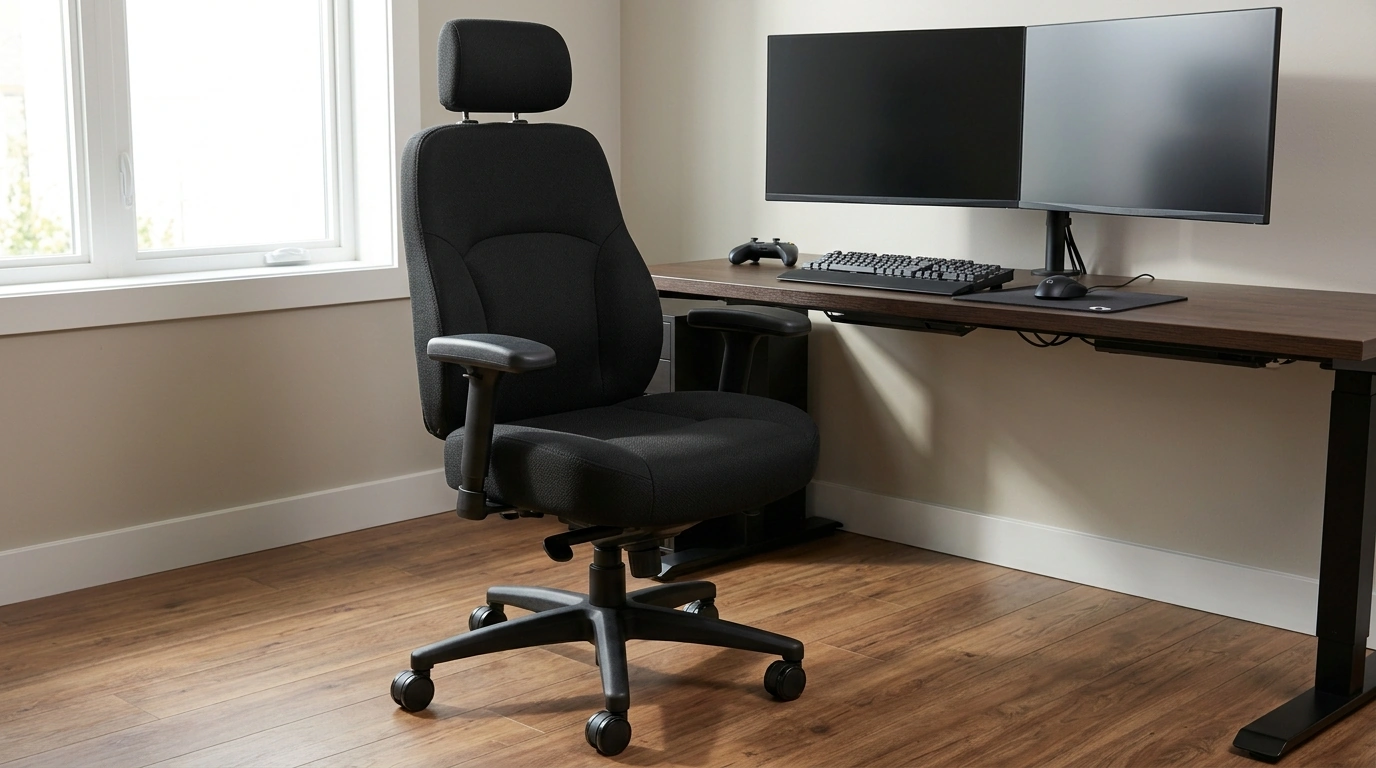
A supportive chair can make long work sessions and gaming nights feel noticeably easier on the back, shoulders, and hips—especially for taller and heavier users. The difference usually comes down to fit: a seat that’s wide enough to move naturally, a backrest that meets your torso where it should, and adjustments that let you fine-tune support instead of improvising with extra pillows. Below is a practical guide to choosing and setting up a big-and-tall ergonomic chair so it works with your body and your desk.
If you want an all-in-one option designed for adjustable comfort, start with the Big and Tall Ergonomic Office Chair: Adjustable, Comfort-Focused Gaming and Desk Chair.
For bigger-and-taller seating, cushion support is about pressure distribution, not “softness.” Look for relief under the sit bones and a front edge that doesn’t dig into the thighs. If the seat edge is too firm or too sharp, it can encourage sliding forward and increase low-back fatigue.
Good lumbar support should match the natural curve of the lower back without shoving the pelvis forward. When the lumbar area is too aggressive, it can create a constant “arched” feeling that becomes distracting over time.
A chair that feels planted reduces micro-tension. When a base or frame feels shaky, the legs and core often work subtly to stabilize you—especially during gaming lean-backs or when reaching for items on the desk.
Heat buildup can lead to fidgeting, frequent posture changes, and a constant urge to get up. Materials and padding design both affect temperature comfort over long sessions.
Squeaks, wobbly armrests, or a drifting recline can pull attention away from work or gameplay. Quiet, solid components tend to feel “settled,” making it easier to stay relaxed.
| Adjustment | Desk Work Target | Gaming/Leaning Target | Common Mistake |
|---|---|---|---|
| Seat height | Feet flat, knees ~90°–105° | Slightly lower for stability when reclined | Too high: dangling feet and thigh pressure |
| Seat depth | 2–3 finger gap behind knees | Maintain gap even when reclined | Too deep: slouched posture to reach backrest |
| Lumbar support | Firm contact at low back curve | Support stays in contact during recline | Over-pushing lumbar causing pelvic tilt |
| Armrests | Elbows supported, shoulders down | Lower if using controller/leaning | Armrests too high raising shoulders |
| Recline tension | Easy micro-lean without drifting | Controlled lean with stable stop point | Tension too loose causing constant sliding back |
For a non-traditional seating option with a distinctive style, consider the Household Retro Solid Wood Saddle Chair as an alternative for shorter sessions or frequent transitions.
A good backrest should support from the mid-back through the shoulder blades during upright work. If a headrest is included, it should align at the base of the skull and support the neck without pushing the head forward.
A slight recline with steady lumbar contact often reduces spinal loading compared with rigid upright posture. The most comfortable approach for long sessions is usually alternating between upright focus and controlled recline to avoid staying static.
If the front edge presses behind your knees, the seat is likely too deep. If you can’t sit back against the support without a large gap behind your knees, it’s likely too shallow.




Leave a comment