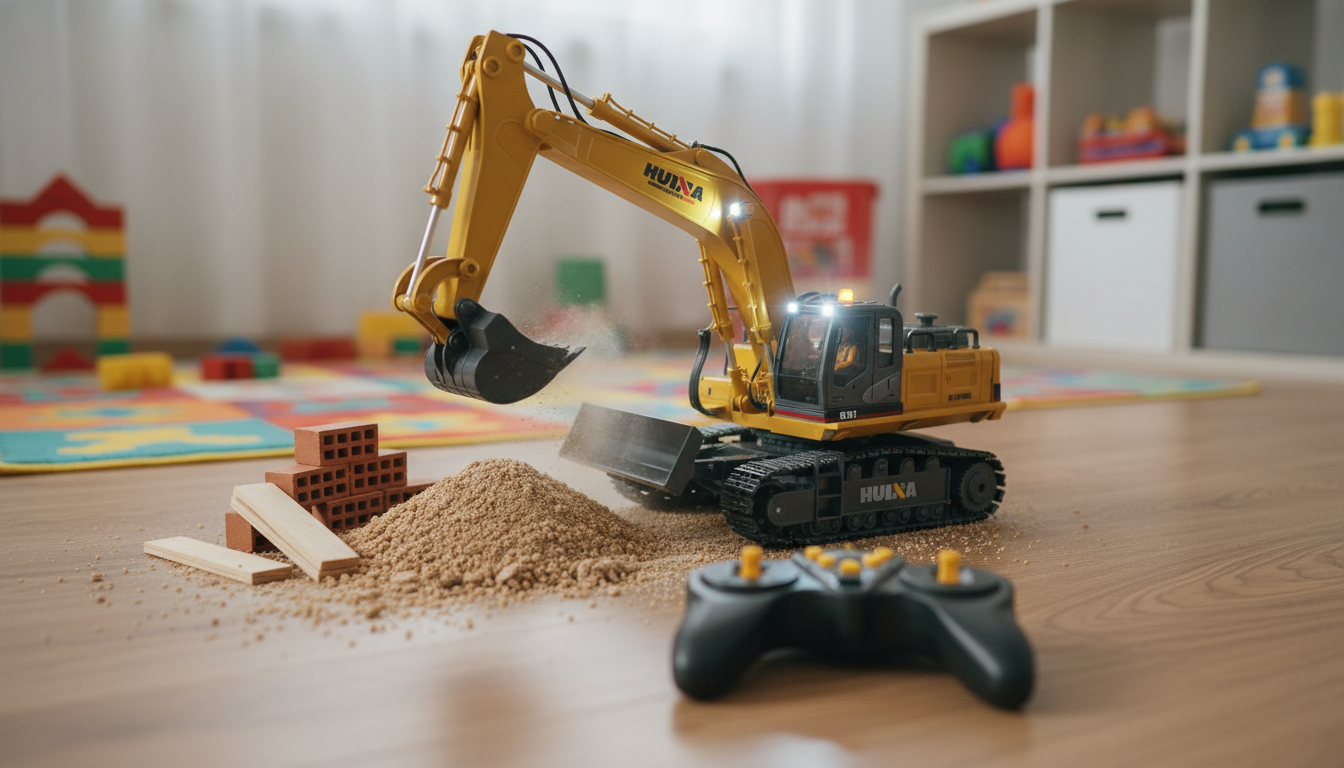
A multi-channel RC excavator truck goes far beyond basic driving. With separate controls for the boom, arm, bucket, and rotating upper body, it turns play into a hands-on “job site” experience where positioning, timing, and coordination matter. Add LED lights for visibility and realistic sound for immersion, and the result feels closer to operating equipment than simply steering a toy around the room.
This guide explains what 11-channel control typically unlocks, how lights and sound affect everyday use, what to do on your first run, and how to keep the excavator performing smoothly over time.
On RC construction vehicles, more channels generally means more independent functions rather than multiple actions sharing a single control. With an 11-channel excavator truck, you can usually run driving and steering separately from the excavator’s working motions, then layer in effects like lights and sound.
The big advantage is realism: instead of a single “dig” motion, you can stabilize the chassis, rotate the turret to line up the dump, and coordinate boom/arm/bucket movements to scoop and release material in a controlled cycle. That also means there’s a learning curve—especially for younger operators—but the payoff is better precision and longer-lasting replay value.
| Control/Feature | What it does | Why it matters |
|---|---|---|
| Drive + steering | Moves the truck and changes direction | Sets up positioning before digging or hauling |
| Turret rotation | Turns the excavator body left/right | Enables side loading and realistic work angles |
| Boom movement | Raises/lowers the main boom | Controls digging depth and reach |
| Arm movement | Extends/retracts the arm | Fine-tunes reach to the target area |
| Bucket action | Curls/dumps the bucket | Scoops material and releases it into a pile or container |
| LED lights | Turns lights on/off for visibility | Improves play in dim areas and adds realism |
| Sound effects | Engine/digging sounds (often toggleable) | Adds immersion; can be disabled for quieter play |
LED lights aren’t just cosmetic. They can improve visibility in shaded rooms, garages, basements, or late afternoons, and they also help you track the excavator’s orientation when the upper body is rotated away from you. If you’re practicing precise scoops, being able to see the bucket angle clearly can make the controls feel more predictable.
Realistic sound effects add another layer to roleplay—especially for construction scenarios like clearing a path, building a pile, or loading a toy trailer. Because sound can be disruptive in shared spaces, it’s worth prioritizing models with a simple sound on/off toggle. Turning off sound (and sometimes lights) can also help stretch runtime during longer sessions, depending on the battery setup.
A smoother first session usually comes down to three things: fully powered batteries, function-by-function testing, and practicing on a forgiving surface.
For early practice, a firm, flat surface makes it easier to learn smooth movements. Once you’re comfortable coordinating the controls, you can move to more “job site” setups.
Indoors is ideal for learning because the excavator can roll and position more predictably on smooth flooring. To keep mess under control, use a tray, a sandbox bin, or a contained play mat and bring in only a small amount of material at a time. If you want a dedicated staging surface for tools, materials, or a contained bin, a sturdy piece of furniture can help keep the setup organized; a simple option is the Stylish Wood Coffee Table as a “site desk” for staging and cleanup supplies.
For general toy safety guidance and age-appropriate use, it’s also helpful to review recognized standards and recommendations from ASTM International and the U.S. Consumer Product Safety Commission (CPSC).
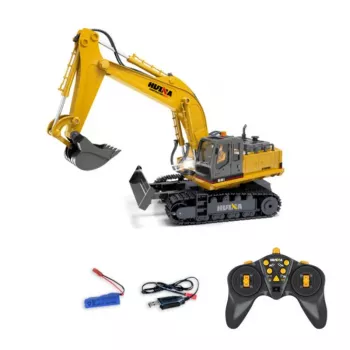
If you’re looking for a model designed around multi-function control and immersive effects, the RC Excavator Truck with 11 Channels, LED Lights, and Realistic Sound is built for realistic digging cycles and skill-building play. The best results come from practicing separate motions first, then combining them into smooth, repeatable routines.
| Item | Details |
|---|---|
| Product | RC Excavator Truck with 11 Channels, LED Lights, and Realistic Sound |
| Price | $197.01 USD |
| Availability | In stock |
Channels typically correspond to independent functions you can control separately, such as driving and steering plus turret rotation and individual boom/arm/bucket movements, along with light and sound toggles. More channels generally means more realistic operation because each motion doesn’t have to share the same control.
Many models include controller buttons or switches that toggle LED lights and sound effects on and off. Disabling them can reduce noise in shared spaces and may help extend runtime during longer play sessions.
Lightweight, dry materials such as sand, small pebbles, or toy blocks are usually a safer choice for smooth operation. Avoid wet mud and heavy rocks that can strain joints, linkages, and motors.






Leave a comment